 Dawnova
For work
Protect your focus hours.
Every “quick check” costs you the next ten minutes. Dawnova locks the apps that break your focus, on a timer you choose, and gives you back your first hour of the day.
Sound familiar?
The problem isn’t you. It’s the feed.
A two-minute check turns into a lost morning.
You start the workday already behind because you started it in the feed.
You know where the time went, and you still can’t stop.
How Dawnova helps
Built for exactly this
Quick Block for deep work
Start a 1- or 2-hour block before a focused task. Blocked apps show a block screen instead of the feed.
How to set it up →Keep work apps, block the rest
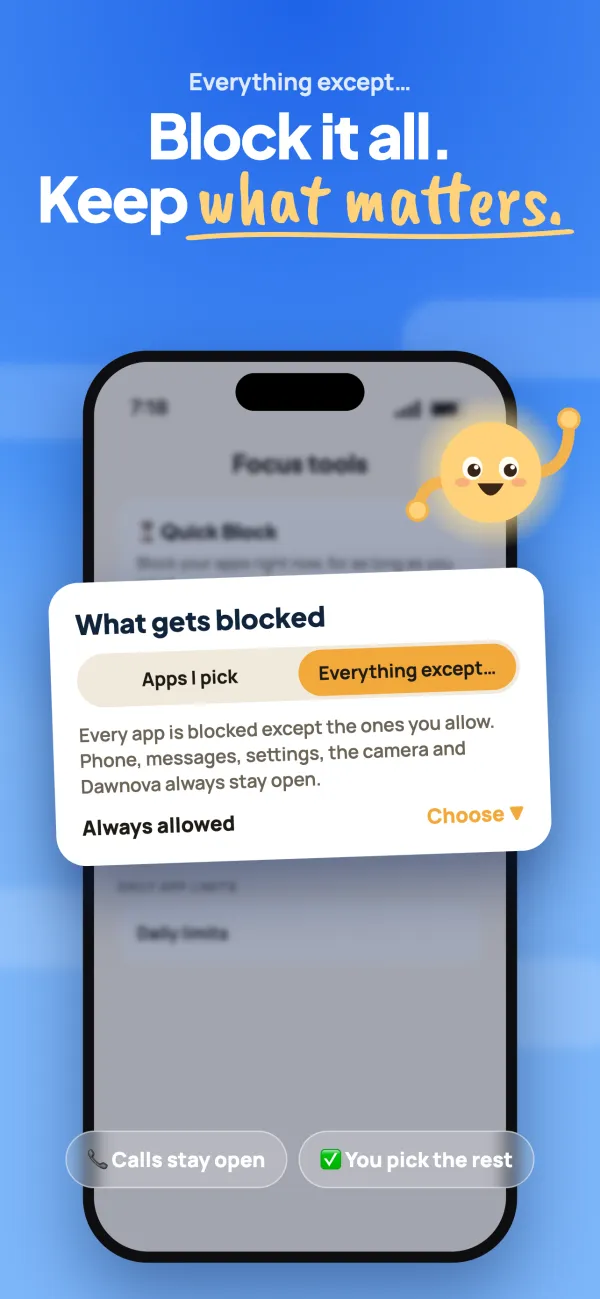
Allowlist mode blocks everything except the apps you keep, like Mail, Calendar, Slack or Maps.
How to set it up →Daily limits
Give news or social apps a daily allowance so they fit around your work, not into it.
How to set it up →A morning that starts outside
Morning Focus keeps the feed locked until you walk 15 steps and snap the sky, so your day starts on your terms.
How to set it up →Get started
Set up in three steps
Choose the apps that pull you out of work.
Keep the work apps you need in allowlist mode.
Start a Quick Block when you sit down for focused work.
Questions
Good to know
Will I miss calls or messages from work?
No. Calls always work, and Dawnova only blocks the apps you pick. In allowlist mode you keep the apps you need, like Mail, Slack or Messages.
Does it work on my laptop?
Dawnova blocks apps on the phone it’s installed on. It doesn’t block your laptop or desktop.
How long can a Quick Block run?
15 minutes, 30 minutes, 1 hour or 2 hours. Start another when it ends.